New in v2.0
📡
Wi-Fi Dashcam Connection
Connect to your dashcam over Wi-Fi. Auto-discovers the device IP, browse & download files remotely, RTSP live stream, camera controls, and device settings.
New in v2.0
🎨
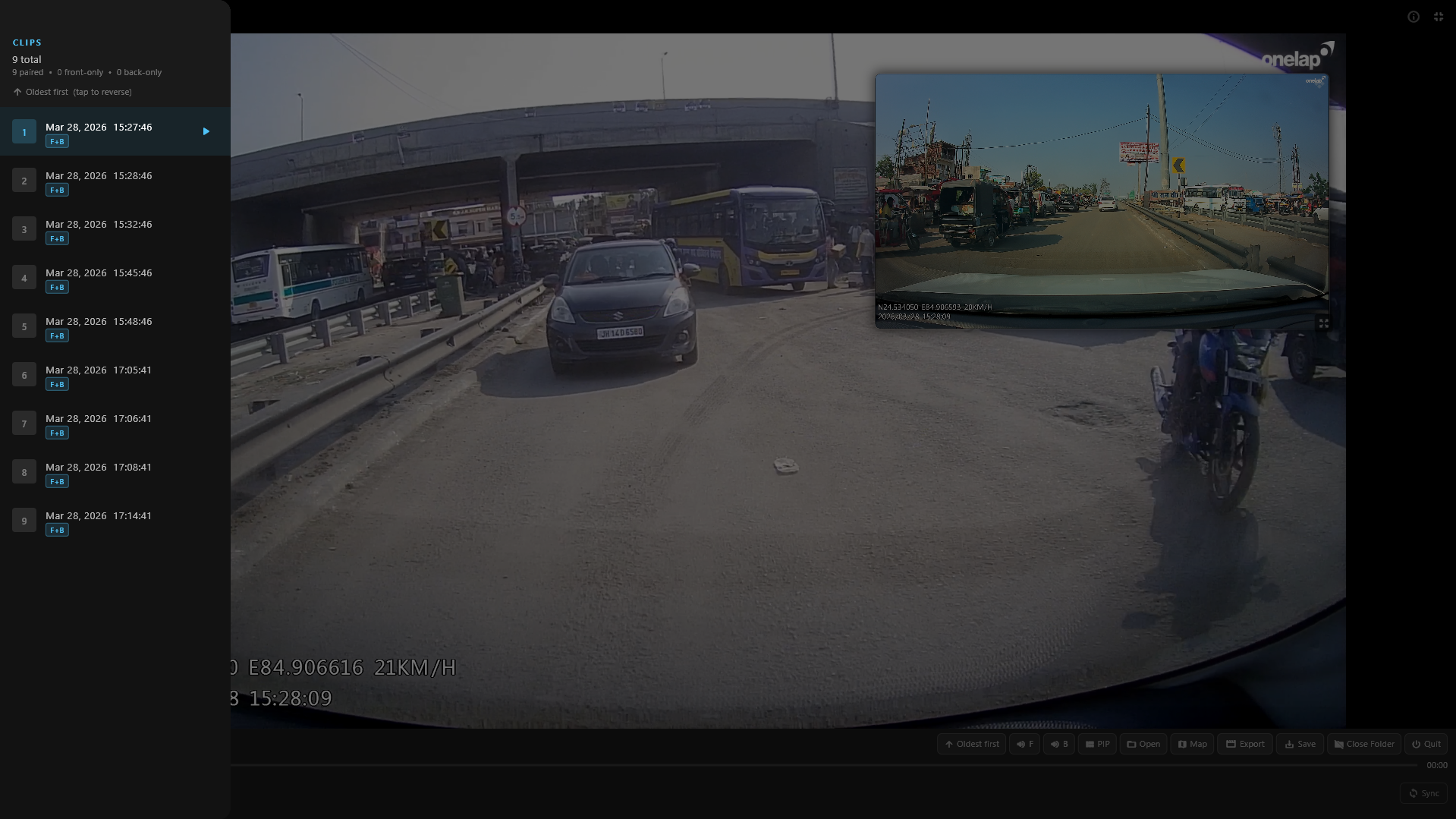
Thumbnail Clip Browser
Browse clips with video thumbnails in grid or list view. Multi-select with batch delete, auto-scroll to current clip, and instant view switching.
New in v2.0
⌨
Customizable Shortcuts
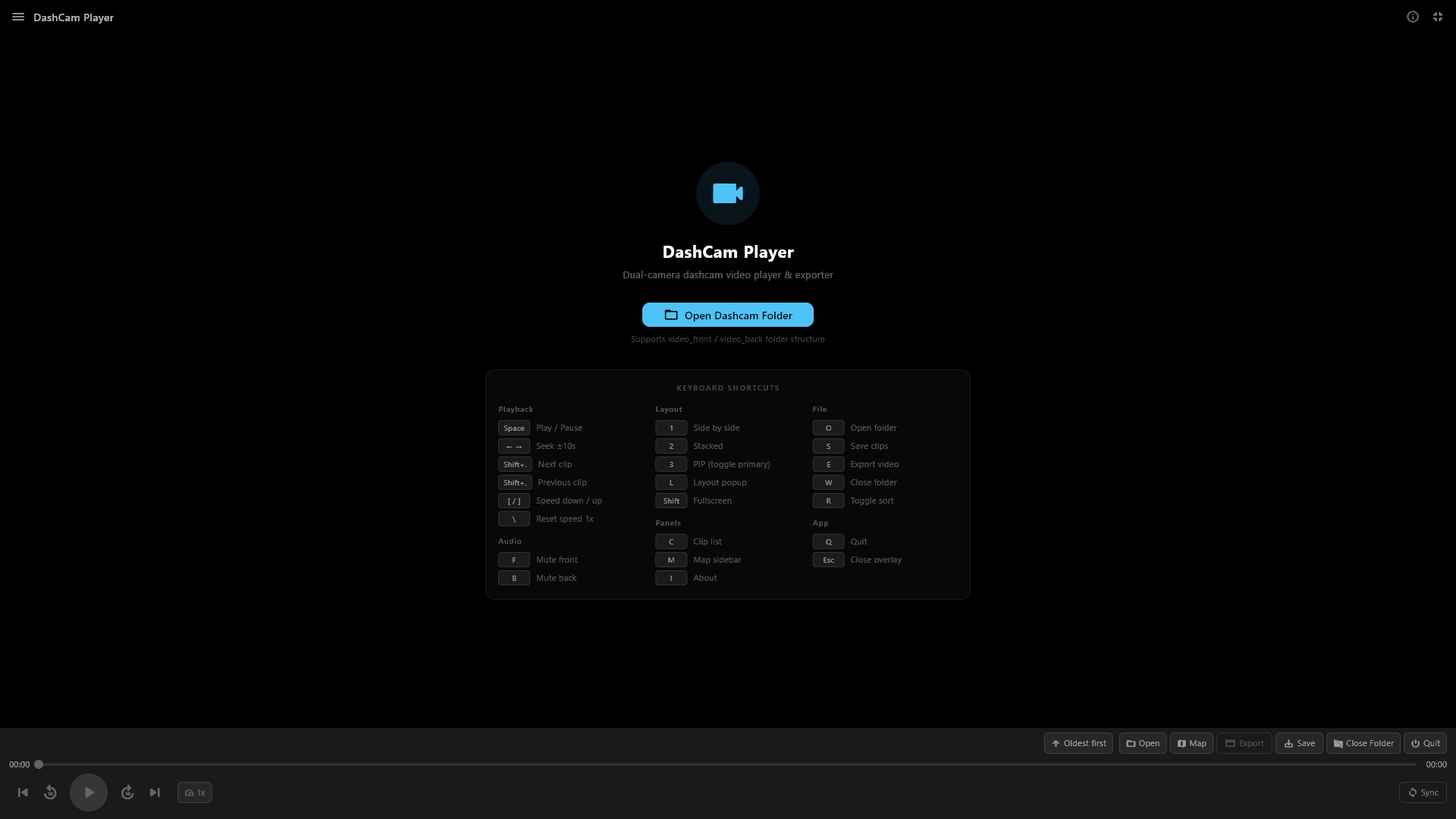
30+ keyboard shortcuts, all remappable. Visual editor with conflict detection. Bindings persist across sessions. Every tooltip updates dynamically.
Core
📷
Dual Camera Sync
Auto-pairs front & back camera files by timestamp with ±5s tolerance. Supports video_front/video_back folders and F/B filename suffixes.
Core
🎬
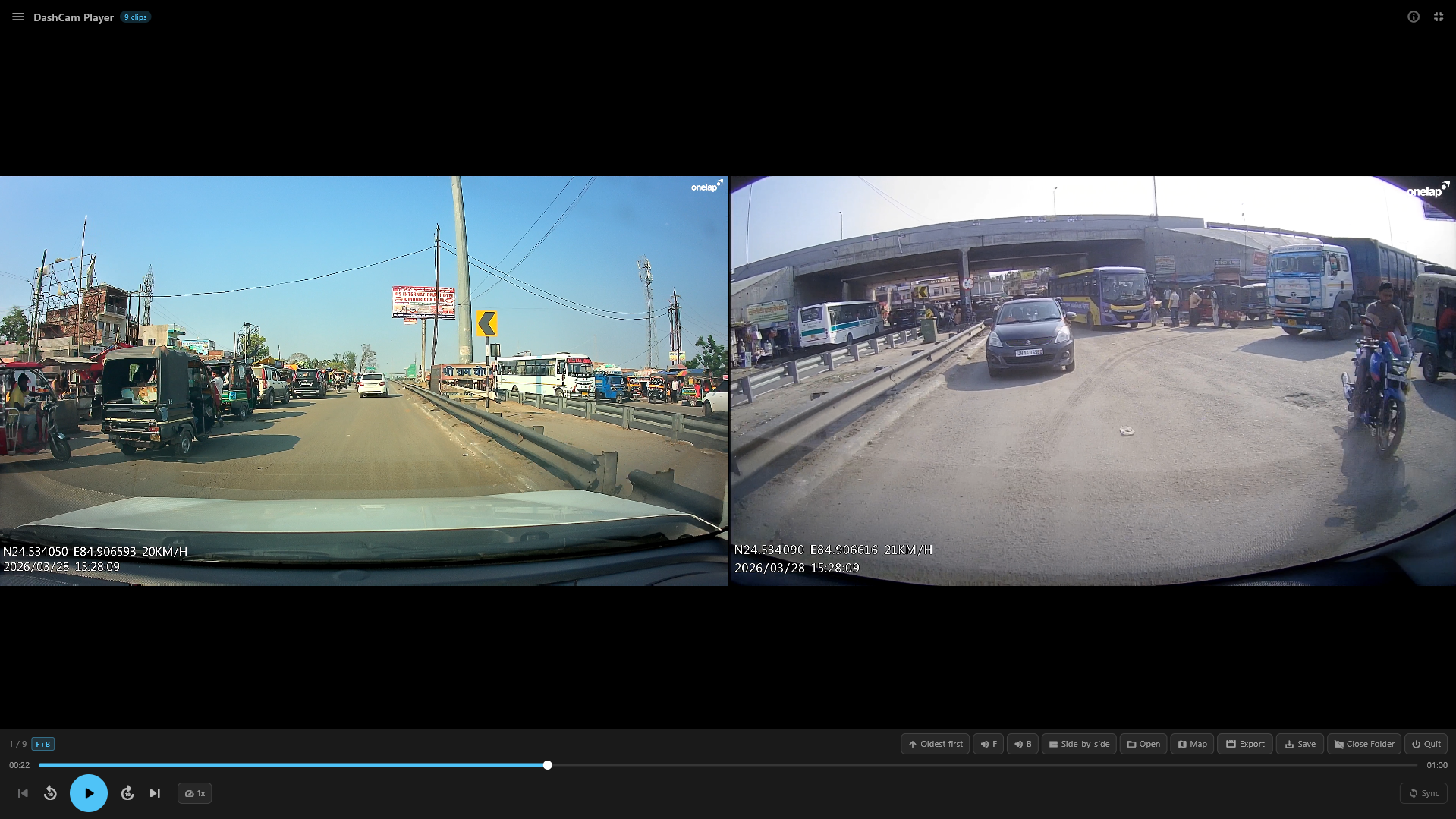
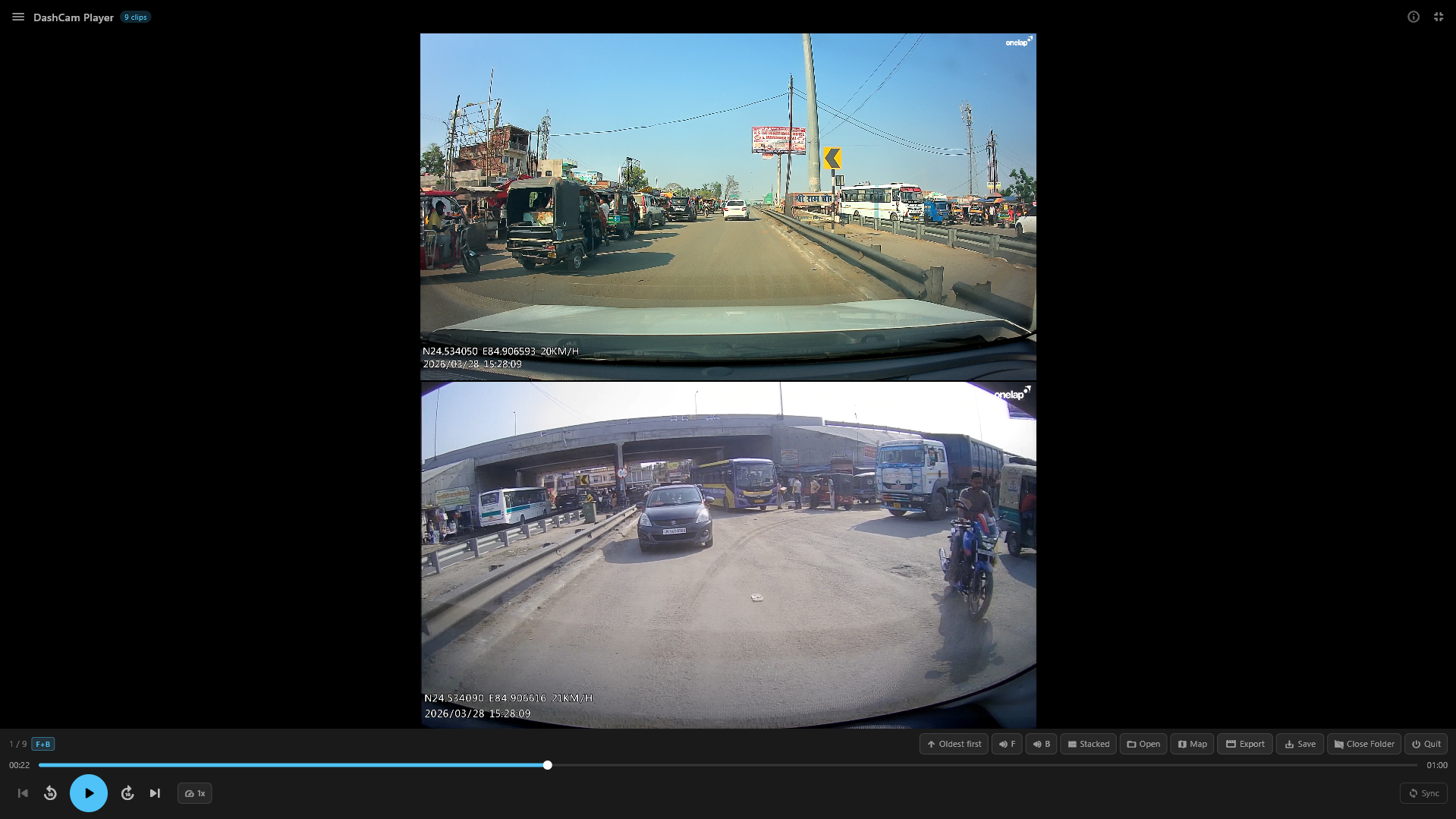
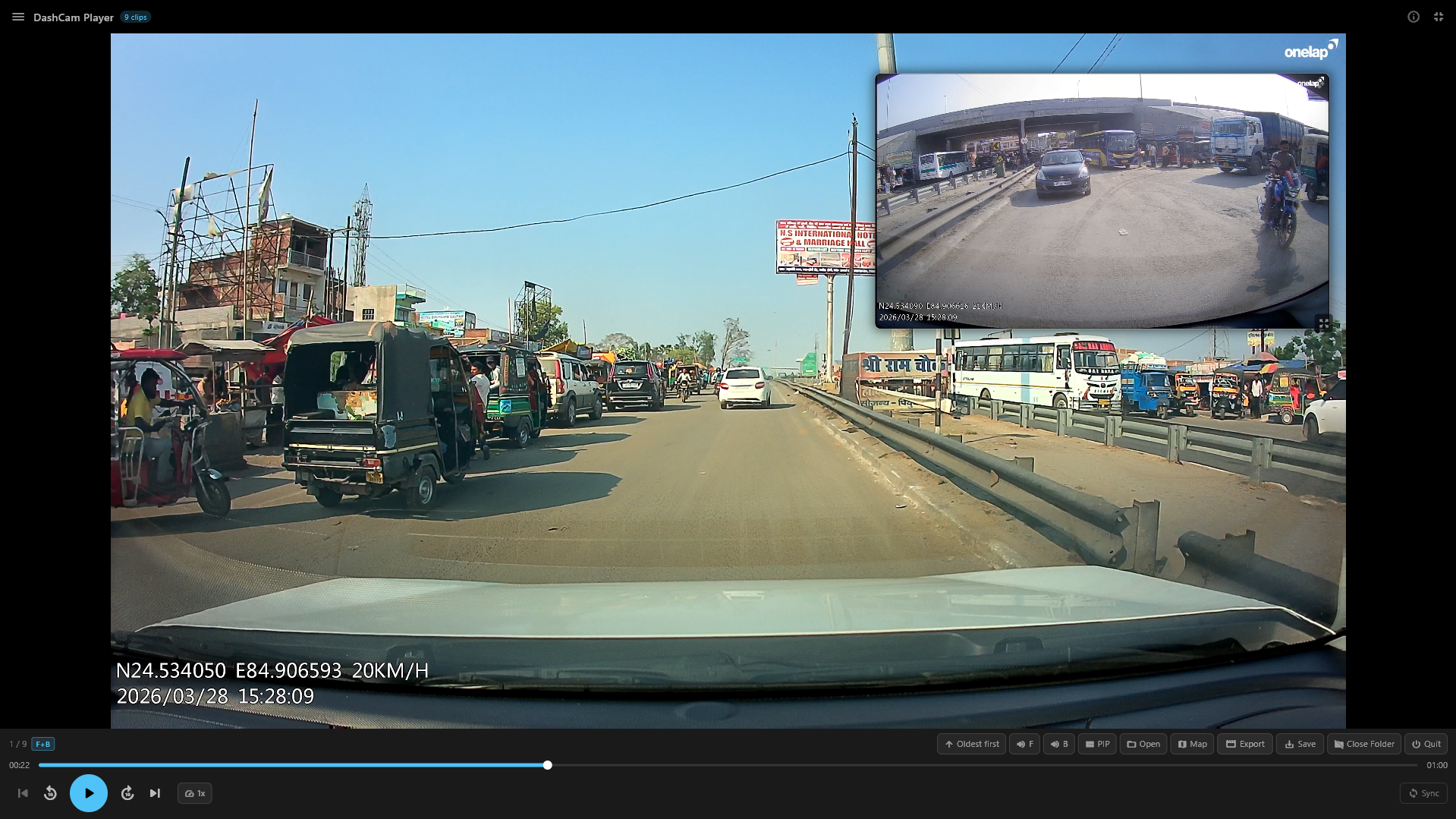
3 Layout Modes
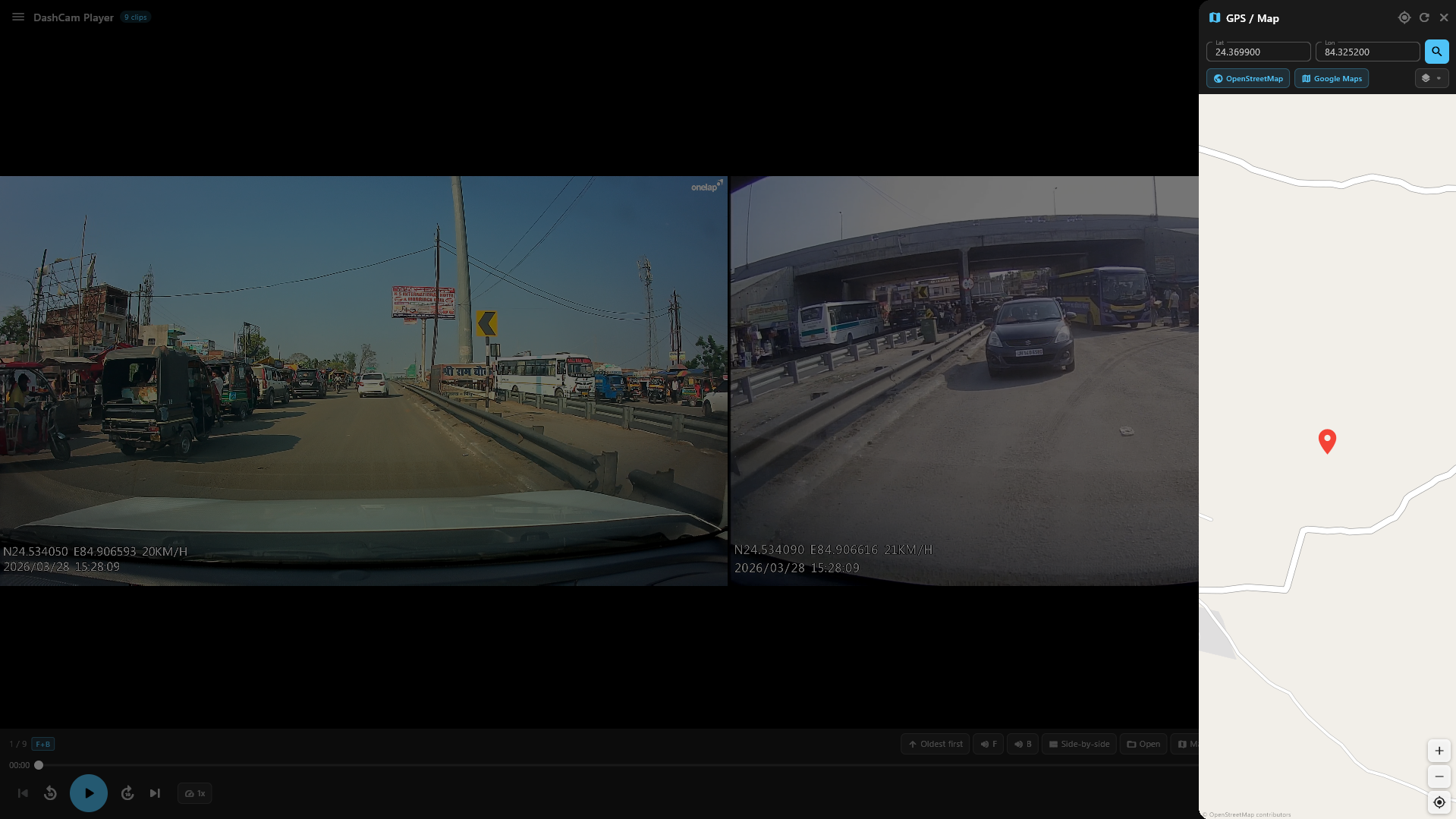
Side-by-side, Stacked, and Picture-in-Picture. PIP is fully draggable and resizable with proportional repositioning when controls toggle.
Core
⏱
Variable Speed (0.1x–5x)
11 speed levels from 0.1x slow-motion to 5x fast-forward. Speed persists across clip changes. Perfect for timelapse review.
🌎
GPS & Interactive Map
OpenStreetMap sidebar with device location, coordinate extraction, 3 tile layers, and links to Google Maps & OSM.
💾
FFmpeg Export
Export composed videos in any layout with H.264 encoding. Sync offset applied automatically. Real-time progress tracking.
🛠
Smart Auto-Hide UI
Controls disappear after 5s during playback. Video fills the entire screen. Move the mouse or tap to bring them back.